Lex Fridman | Lex Fridman | Noiz AI
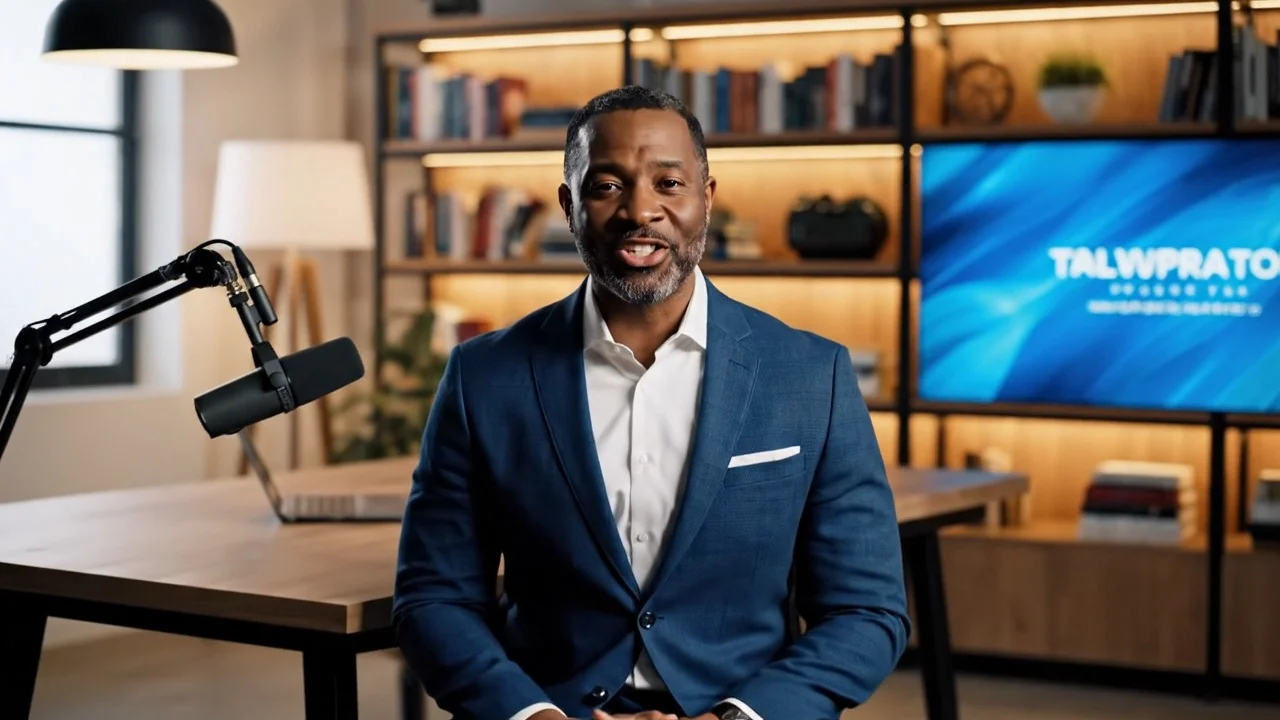
Lex Fridman is a Noiz AI voice for long form interviews and technical explainers, with a calm and precise delivery style. Powered by Noiz AI, with realistic voice cloning and emotional TTS, trusted by 2M+ creators.

Try this voice here
Emotional Expression
Free demo limit reached. Continue in the TTS editor to keep creating.
Similar Voices
Explore similar voices by tone, style, or emotion in Noiz’s vast library and try it free today.









Samples for Every Scene
Hear how this voice performs across different styles, emotions, and use cases.
 Podcast intros
 Podcast Intro
Opens shows with warmth and momentum — a recognizable identity that turns listeners into subscribers.
 Meditation guide
 Meditation Guide
Calm, steady guidance that slows breathing and quiets the mind — made for meditation and focus.
 For courses
 Course Narration
Clear, credible narration that keeps complex lessons easy to follow — steady, no listener fatigue.
 For audiobooks
 Audiobook Chapter Open
Sustains long-form narration with a grounded, consistent tone that keeps scenes vivid chapter after chapter.
How It Works
Enter Your Script
Paste your script, then direct the performance with emotion tags like [😊#Happy:7] or presets like warm, tense, playful, and direct. Adjust speed, emphasis, and feel.


Select a Voice
Choose from millions of voices across languages, tones, and use cases, then preview with your own script in real time — not generic samples.

Generate & Export
Generate in one click, preview the result, and refine until it sounds right. Export high-quality MP3 ready for your project — start with a free trial.


Frequently Asked Questions
Is this a recording of the real person?
No, this is an AI generated voice synthesized by our model and it is not a real person's recording.
What languages does this voice support?
The primary language is English, optimized for native pronunciation and natural intonation patterns.
Can I use this for commercial projects?
Yes, you can use this voice in commercial videos, podcasts, and advertisements according to our license terms.
How do I adjust the speaking speed?
You can modify the speed parameter in the editor to make the voice speak faster or slower as needed.
Does it handle numbers well?
The voice correctly interprets numerical data, dates, and statistics for accurate reading in financial or scientific contexts.
Can I change the pitch?
Yes, pitch adjustment features allow you to fine tune the vocal depth to match your specific content requirements.
What file formats are available?
Generated audio files can be downloaded in standard formats like MP3 and WAV for easy integration into your workflow.
Is there a limit on character count?
There are no strict limits on text length per generation, allowing for full script processing in one go.