AI video generator — text to video, image to video, full creative control
Turn a text prompt or image into polished video — short-form hooks, product reveals, character scenes, and multilingual campaigns in one workspace.
Generate AI VideoMore ways to shape your vision
Text to video
Transform any text prompt into high-quality video content in seconds. Describe what you want to see and watch ideas come to life with cinematic realism.


Image to video
Bring your images to life, control first and last frames, and preserve subject consistency with natural motion.

Voiceover + video, one platform
Add multilingual voiceover in the same workspace, so global-ready assets include sound and picture together.
Direct the shot — lock the character, halve the cost
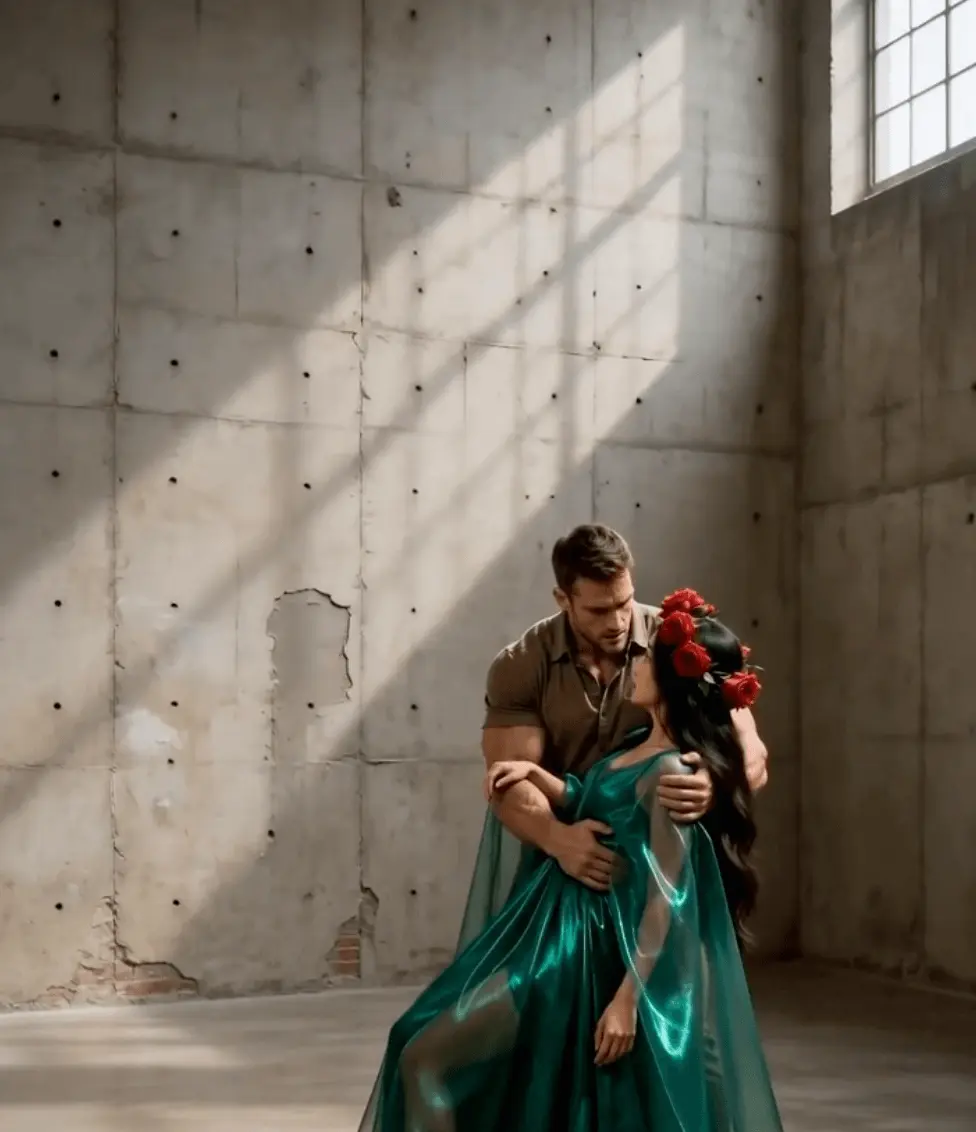
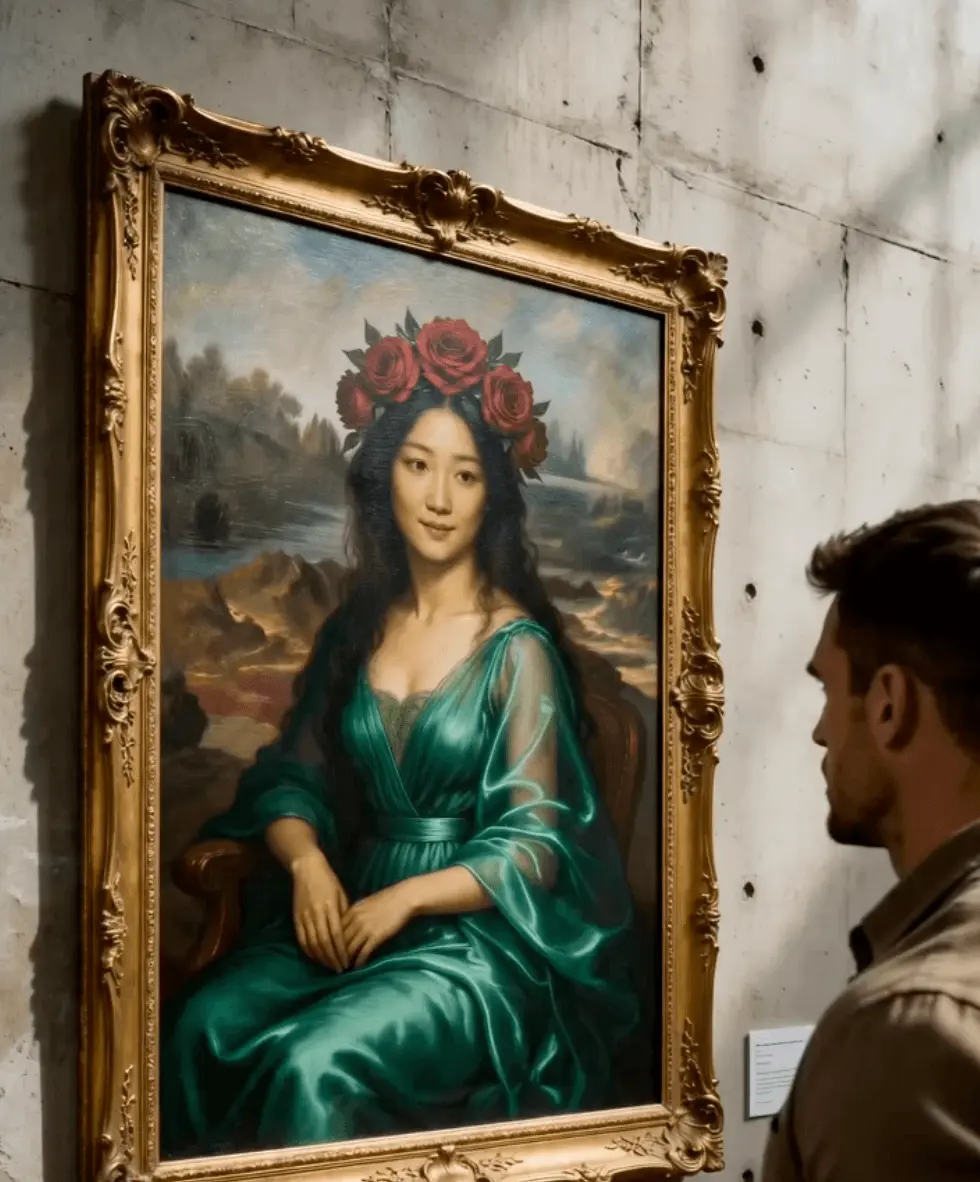
Lock start & end frames, AI fills the move
Set opening and closing frames; AI generates the cinematic motion between them. Ideal for openers, transitions, and product reveals.
9-image fusion for consistent characters
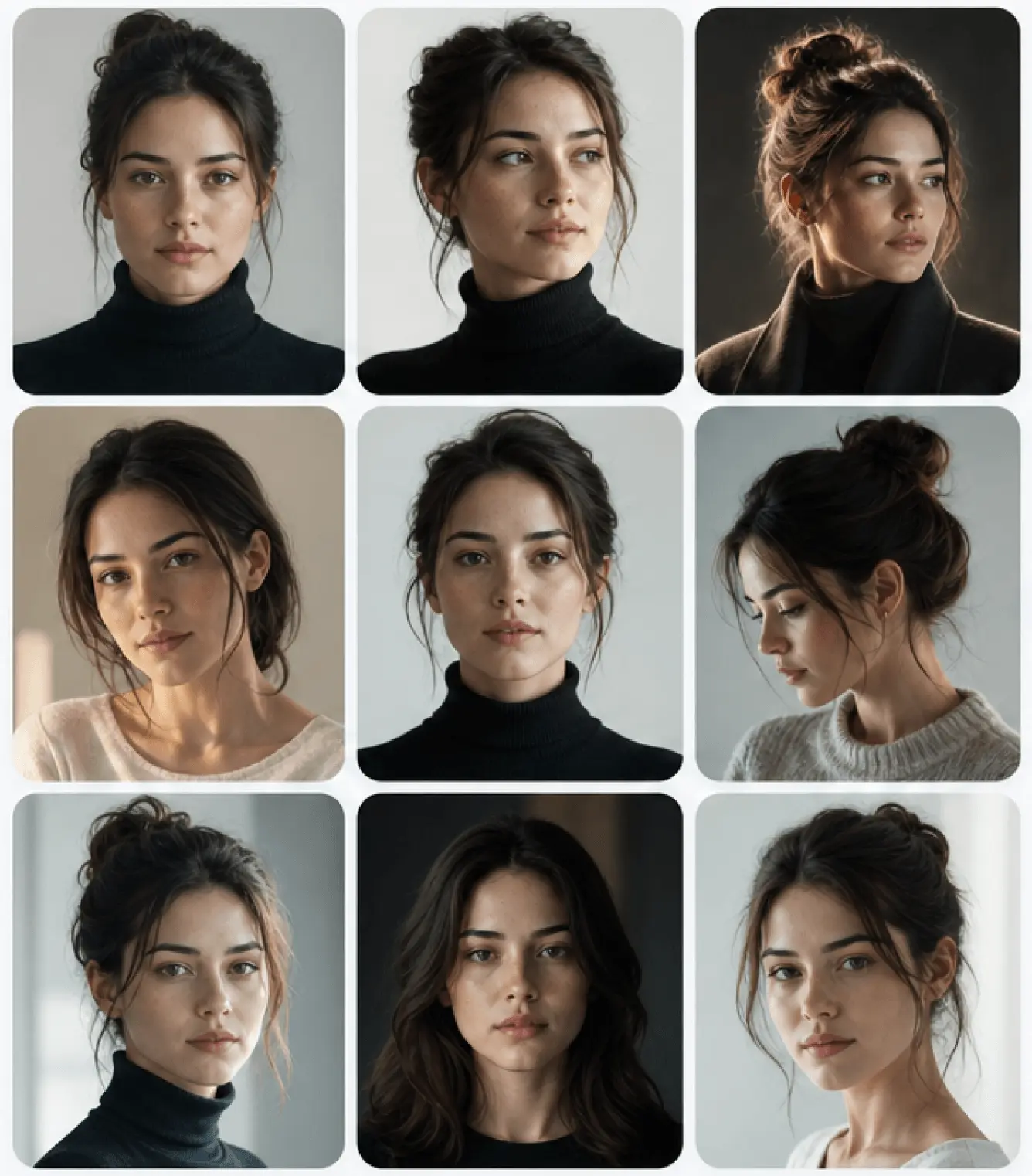
Omni Reference takes up to 9 reference images so your character or IP stays consistent across shots — fewer face and style changes.

Top-tier quality at creator-friendly pricing
Generate 720p and 1080p video at a fraction of direct API cost while keeping the same Seedance 2.0 model quality.
Sound + visuals, one platform
Noiz started in AI voice and now extends top-tier models to video and images. One credit pool covers voiceover, images, and video generation.
Start CreatingFrequently Asked Questions
What can I create with AI video?
You can generate short-video hooks, product reveals, character scenes, ad films, and multilingual content. Start from text, images, or both — the AI produces cinematic-quality output in seconds.
Do I need editing or production experience?
No. Type a prompt or upload reference images, choose model settings, and generate. Noiz handles the production — you focus on the creative direction.
How do consistent characters work?
Upload up to 9 reference images of your character using Omni Reference mode. The AI maintains face, outfit, and style consistency across multiple generated shots.
Can I add voice or sound?
Yes. Generate or record AI voiceover, add background music, and layer sound effects — all in the same Noiz workspace. Export a complete video with audio.
Does it support multiple languages?
Yes. Pair video generation with Noiz multilingual voice to produce localized versions of your video in 50+ languages without re-filming.