The honest short answer: pick by shot, not by model. A turntable and a talking head put completely different demands on a video model, and the cheapest tier that satisfies the demand usually wins. Below is how to reason it out, shot by shot, plus the checks that stop you from paying for capability the shot never uses.
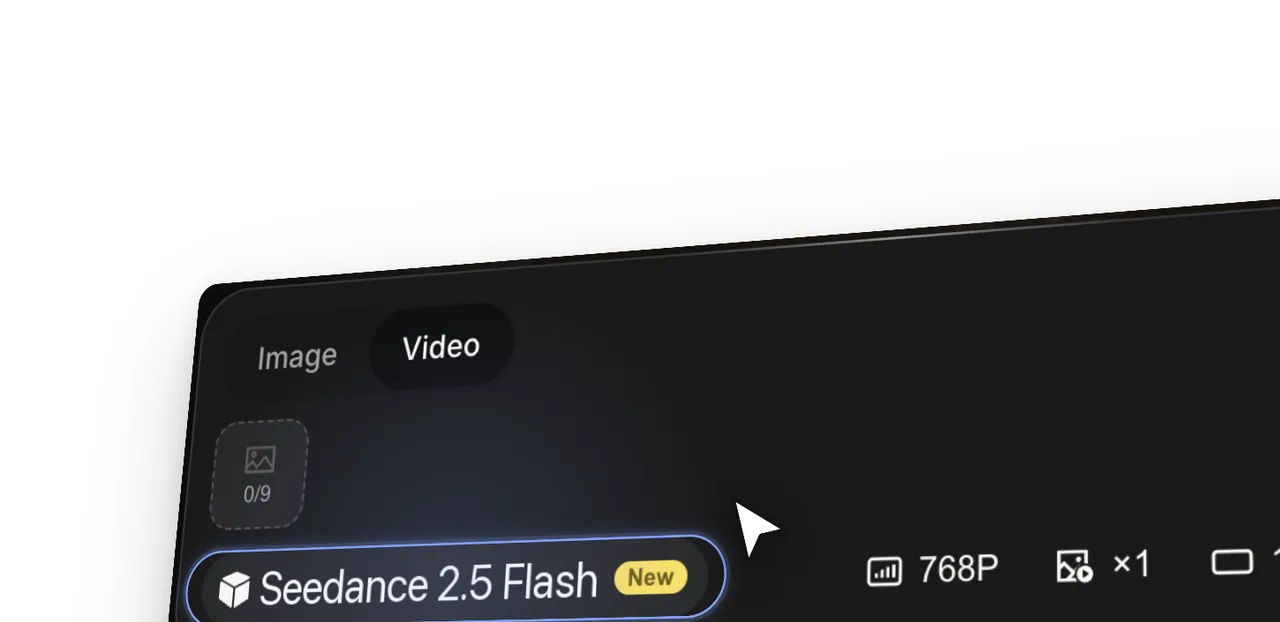
One condition up front. Seedance 2.5 Flash is not selectable in Noiz Studio today — the picker lists MiniMax H3 and Seedance 2.0. Everything here is a selection framework, not a benchmark, and it will still hold when 2.5 Flash appears in that list.
What each tier is actually for
Seedance 2.0 — the broad default. In Studio it runs text-to-video and reference-image work at 4–15 seconds. It is the tier to reach for when you need predictable coverage across many product types and you are not chasing very long clips or heavy multi-asset references.
Seedance 2.5 Flash — the iteration tier. Launch material describes a 4–30 second range, 480p and 720p output, text-to-video with first/last-frame control, image, video and audio references up to 20 assets, native audio, and editing or extension of an existing clip. Read that as: more candidates per budget, longer ceilings, and reference-heavy briefs. It is built for trying things, not for one-shot hero renders.
MiniMax H3 — the person-and-reference tier. H3 is what Studio currently defaults to for video, at 768P with omni reference and 5 seconds in the default row. In this project it is also the engine behind person-led work — whole-role replacement and multi-subject party scenes — which tells you what it is good at: a subject that must stay recognisable across a clip, with references doing the heavy lifting.
That is the real axis. It is not "quality", it is what the model is asked to hold constant: a product's shape, a person's identity, or a large reference set.
The three questions that decide it
Ask these before you look at the picker.
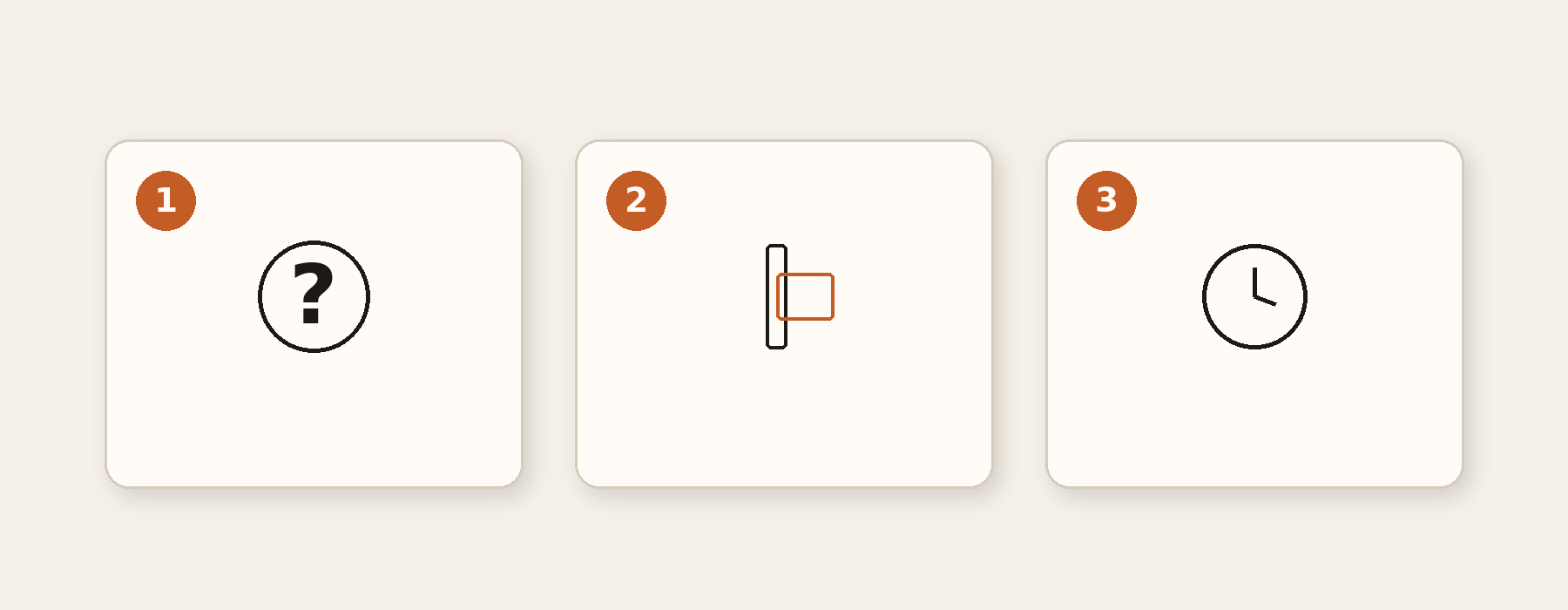
Three questions, not a scoreboard: what the shot needs, how it is framed, and how long it runs. This is a decision aid, not a benchmark of model quality.
1. Does the shot hold a person? If identity must survive the clip — a face, a hand, a character — the reference-driven tier (H3) is the safe default. Product-only shots rarely need it.
2. Does the shot need audio? Native audio changes the brief. If the clip has speech or a voiceover baked in, you want the tier that generates audio with the motion and you accept the extra review work on lip sync.
3. How many attempts will you need? A rotation that must be perfectly constant usually takes three or four candidates. That is a budget question, and it is the one place a cheaper, faster tier pays for itself — provided the shot is simple enough that speed is the only thing you are trading away.
If your answers are "no person, no audio, several attempts", you are in Flash territory. If they are "person, identity critical, one careful take", you are in H3 territory. Seedance 2.0 sits between them as the coverage default.
Shot by shot
Turntable. Product rotates, camera locked. This is the most forgiving shot and the one where candidates are cheapest to produce. Generate three or four; the failure mode is variable speed, not invention. Any tier can do it; the deciding factor is how many takes you can afford.
Unboxing. A hand enters frame and lifts the product. Hands are the hardest small object in the frame — extra fingers, fused grips, shape drift between frames. If the hand has to look right, use the tier with the strongest reference handling, and inspect at full size.
Texture macro. Almost no motion; the whole shot is surface and light. Counter-intuitively, this is the shot that punishes a fast tier least and punishes a careless brief most: if the prompt asks for flowing cream, every tier will over-animate it. Ask for stillness.
Dynamic poster. Locked frame, one burst of motion, high contrast. This is the candidate-heavy shot — you shoot five to find the one where the droplet lands well. Cost per attempt dominates; a cheaper tier wins here more often than anywhere else.
Lifestyle. Camera drifts through a room. The risk is not motion quality, it is scene invention: shelves grow bottles, counters grow clutter. Whichever tier you pick, brief the environment narrowly.
UGC talking-head. Person, speech, handheld framing. Identity plus audio plus hands — the most demanding shot in the set. Use the reference-led tier, decide audio strategy before generating, and expect to review more candidates than you keep.

What we can and cannot compare
We have not run a controlled comparison of these three on the same brief. Anyone quoting per-second prices or quality scores for 2.5 Flash is quoting a vendor or reseller, not a benchmark — and the model is not even in the Studio picker yet.
What can be compared honestly is fit: which shot types demand identity preservation, which demand iteration volume, which demand audio. That mapping is stable regardless of which model version is fashionable this quarter.
If you want a rule of thumb: spend on identity, save on motion. Reference-heavy, person-led work is where a cheaper tier costs you the most rework. Simple product motion is where a cheaper tier costs you almost nothing.
Run the A/B in one afternoon
Do not decide from a spec sheet. Decide from four renders.
- Pick one product and one hard shot (unboxing, or UGC if you have a person).
- Write one brief, identical for both tiers, with the same first frame attached.
- Generate three candidates on each tier you can access today.
- Score them on four things only: product fidelity, hand/face integrity, motion consistency, and whether it is usable at thumbnail size.
- Keep the tier that wins on the shot you actually ship, not the one that wins on average.
Keep the brief in a file. When a tier becomes available in Studio, you re-run the same file and compare against the old renders — that is the only comparison that means anything for your catalogue.
Pick your tier and generate a test take in Noiz Studio → Attach one first frame, run three candidates, and score them on the four axes above. Today the picker offers MiniMax H3 and Seedance 2.0.
FAQ
Is the more expensive tier always better? No. Cost buys capability you may not need: longer ceilings, more references, audio. On a locked-off product rotation, those are unused.
Can I mix tiers in one campaign? Yes, and you probably should. Hero shots on the reference-led tier, filler cuts on the cheap one, as long as light direction and framing stay consistent.
Does a longer maximum duration mean better motion? No. Duration is a ceiling, not a quality setting. A ten-second clip needs a second beat regardless of which tier renders it.
What if the model cannot hold my product's label? That is an input problem more than a model problem: a larger label in the first frame, less rotation across it, and a still that is sharp to begin with.
Will 2.5 Flash replace the other two? Unlikely. Tiers overlap at the edges and separate in the middle: iteration volume on one side, identity and reference fidelity on the other.
More notes on this blog: Noiz product and voice writing.