
A video model spends its first moments copying the frame you gave it. That makes the still less of a thumbnail and more of a contract: whatever proportions, label legibility, light direction and crop you hand over are the ones the clip will keep, plus drift. Preparing that frame properly is the highest-leverage ten minutes in a product-video pipeline, and it is the step most teams skip.
This handbook is about that frame only. Camera moves, durations and tiers are separate decisions; here we fix what the motion inherits.
What the first frame actually decides
Five things, in order of how much they cost you when they are wrong:
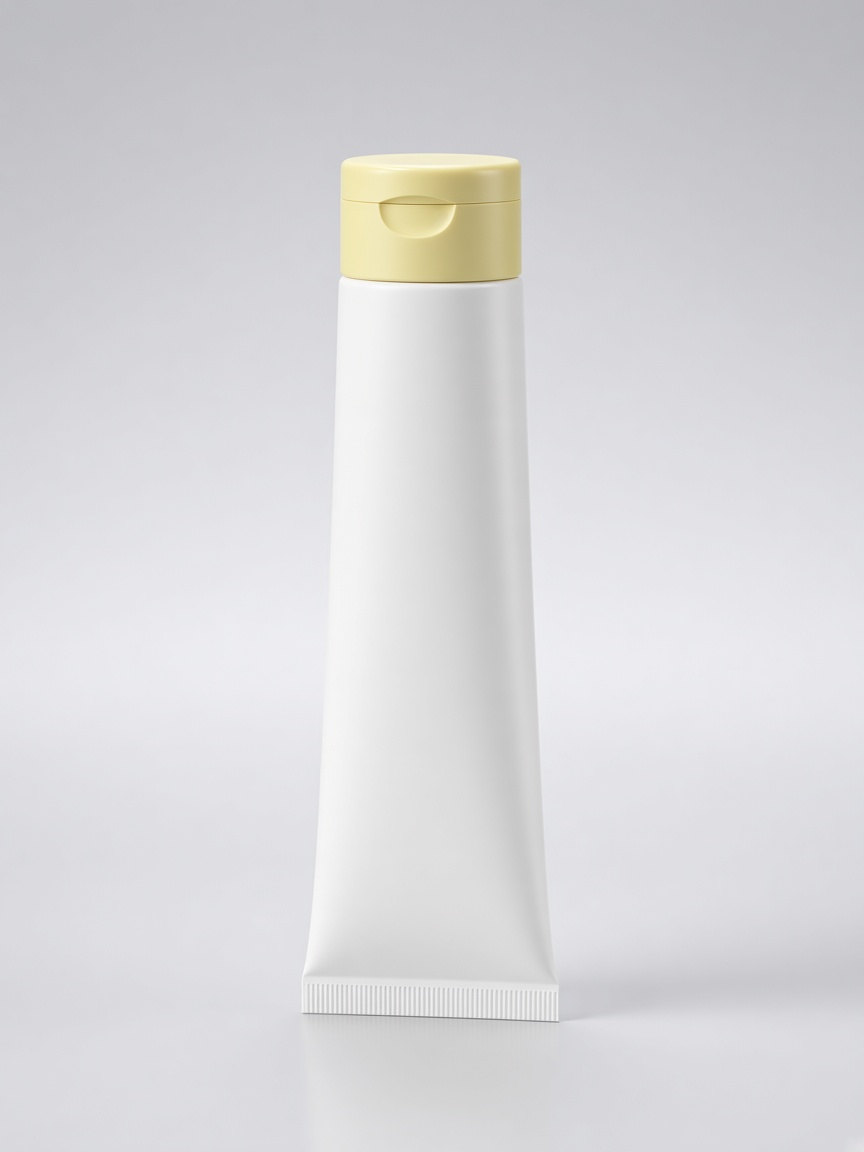
An illustrative first-frame still, not a video render: scale is locked, the cap is fully visible, the panel is unbranded, and the edges have breathing room.
Scale. How much of the frame the product occupies. A tube filling 60% of the height reads as a hero shot. The same tube at 30% reads as a stock photo with air around it. Motion does not fix scale; it freezes your mistake for the length of the clip.
Label integrity. If the product has real packaging, small type is the first casualty of motion blur and compression. If the frame is already marginal at 100%, it will be unreadable at second three.
Light direction. One key light, chosen once. A set that flips key light between shots looks like two different products, even when the product is identical.
Background. What is behind the product in frame one is what the model will elaborate on. A shelf invites extra bottles; a counter invites clutter.
Pose and orientation. Which face of the product is toward the camera, and at what angle. You cannot fix the angle in motion — you can only keep it.
The five checks
Run these before generating anything. Each takes seconds and saves a render.
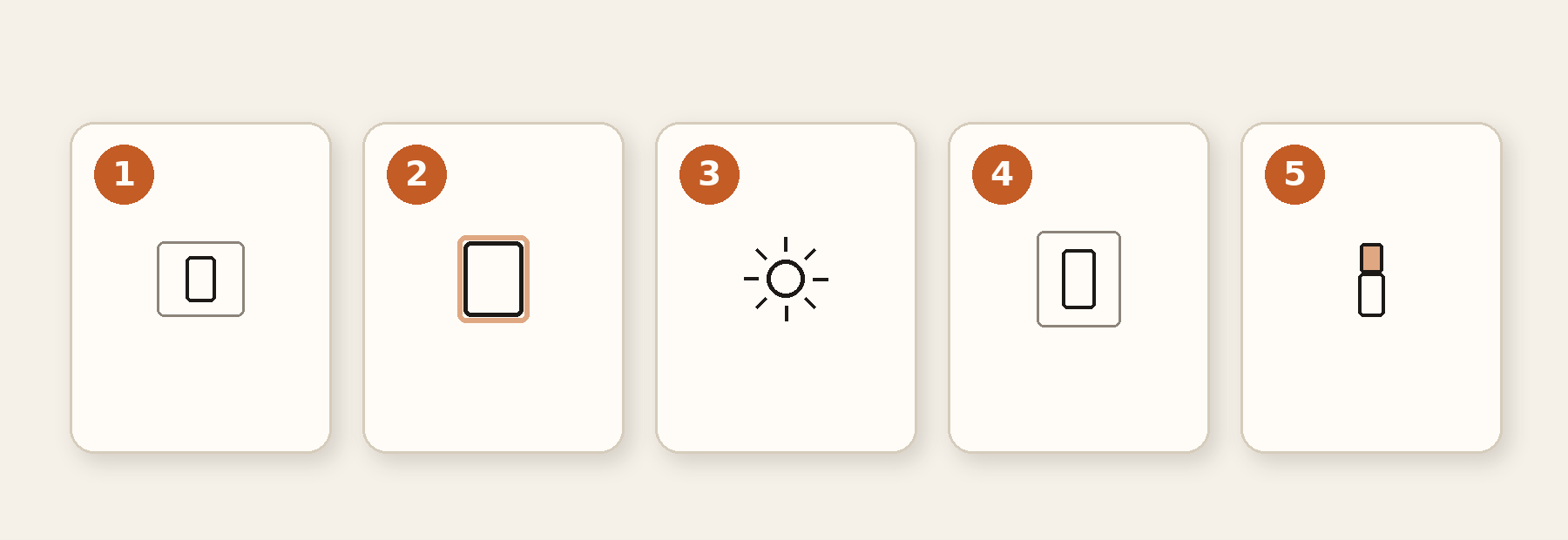
Five pre-flight checks, left to right: thumbnail scale, edge quality, light direction, margin, and cap pose. Read the list in the article; the icons carry no type.
- Thumbnail test. Shrink the still to 200px wide. Can you still tell what the product is and read the label block? If not, crop tighter before animating.
- Edge test. Look at where the product meets the background. Hard cut-out edges and halos survive into motion and become a flickering outline.
- Label test. At 100%, is the type crisp? Is any part of it under a highlight or in shadow? Move the light, not the label.
- Background test. Count the objects behind the product. More than two supporting objects and the model will start inventing a third.
- Orientation test. Note the exact angle. When you generate the next shot, match it, or accept that the set will look like two shoots.
Shoot or generate the still
Both work; they trade different risks.
A photographed still is sharper and truer to the packaging. Its risk is consistency: if you shoot six shots on different days, the light changes and the set drifts.
A generated still gives you control over crop, light and background before any motion exists, and it makes a matched set easy. Its risk is invention — an unbranded mockup is fine, but ask a model for "a label" and it will write one, usually in plausible-looking nonsense.
A workable middle path: photograph the product once, cleanly, on white; use that as the reference for generated first frames so proportions and cap shape stay honest, and let the model place it in each shot's environment.
Resolution and crop, practically
Work vertical at 9:16 for short-form placement. Whatever the model's output resolution, prepare at a larger size than you need and let downscaling do the sharpening — an upscaled first frame produces a soft clip that no amount of prompt work repairs.
Keep a margin. Products pressed against the frame edge lose their outline to cropping and their shadow to the boundary. Ten percent breathing room on the sides is enough.
If the same still will feed several shots, save it as the canonical reference and treat variants as derivatives. When a shot looks wrong three attempts later, you want to know which file every shot started from.
Failure modes a good still prevents
The invented label. Prevented by not asking for one: either the product genuinely has packaging in the reference, or the brief says "unbranded, no text".
The melting cap. Prevented by a first frame where the cap is fully visible and at a sane angle. Caps disappear into blobs when they are shot edge-on.
The busy shelf. Prevented by clearing the background before generating. Cheaper to remove a bottle in the still than in twelve seconds of video.
The floating product. Prevented by a visible contact shadow. Models drop shadows when the first frame has none, and a product floating above a counter kills the shot.
The wrong product proportion. Prevented by putting the real measurements in the brief and checking the first frame against them, not against your memory of the product.
Carrying the frame into the prompt
The still does half the work; the prompt should describe only what changes.
Write three clauses and stop: what the camera does (or that it does not move), what the subject does, and how the light behaves during the shot. Anything the still already shows — the product's colour, the room, the label — is a chance to contradict yourself.
If the clip carries audio, decide before generating whether the voice is generated with the motion or added afterwards. A mouth on its own schedule is the fastest way to look synthetic, and no first frame prevents it.
Attach this frame in Noiz Studio and generate one take → The reference slot, model picker and candidate count sit in the same row. Today the picker offers MiniMax H3 and Seedance 2.0.
What a first frame cannot fix
It cannot make six separately generated stills into one product. Consistency across a set is an image-edit job: same product, same angle family, edited rather than re-generated. If your catalogue needs the identical object in six frames, plan that as an editing task from the start rather than hoping a prompt holds it.
It also cannot supply structure. A ten-second clip needs a second beat that the first frame knows nothing about; thirty seconds needs two or three. Those are storyboard decisions, made before the still.
And it cannot rescue a bad shot choice. If the camera has nowhere to move and the product has nothing to do, a beautiful first frame just produces a beautiful still with twelve seconds of drift after it.
FAQ
Does the first frame have to be 9:16? For short-form placement, yes. If the same clip goes to a landscape placement, prepare a second frame rather than cropping the animated result.
Can I use a screenshot from a product page? Only if it is large and clean enough. Screenshots usually carry compression and a busy background, and both survive into motion.
How sharp is sharp enough? If the label is crisp at 100% and the product edges are clean against the background, it is sharp enough. If you have to zoom to check, it is not.
Should the first frame look like the last frame? Only if the shot is a loop. Otherwise plan how the product changes position across the clip, and make sure the second beat has somewhere to land.
What about shadows and reflections? Include the contact shadow; remove stray reflections that do not belong to your light setup. Models amplify whatever they are given.
More Noiz product notes: the blog index.