
This is a checklist for reading those pages, not a substitute for them: when this was written, the official pages we tried were rate-limited or behind a sign-in, so no platform figures appear below.
Short answer: every marketplace applies requirements in the same five categories — duration, aspect and resolution, file format and size, audio and captions, and content policy — and the only reliable source for the numbers is that platform's own help page, read at the time you upload.
This article deliberately quotes no figures. Not because they are secret, but because a blog that states them will be wrong within a quarter, and a production plan built on a stale number fails at the last step: upload.
The five categories
Every marketplace's video spec, however it is worded, resolves into these.

Five categories to verify on the official help page — duration, aspect, file, audio, policy. No platform figures are printed here; read the current page at upload time.
1. Duration. A minimum and a maximum, sometimes different for the primary listing video versus additional videos. Ask: is there a floor as well as a ceiling? Truncation is silent, and a clip cut mid-motion is worse than a clip never uploaded.
2. Aspect and resolution. The platform's own player decides the safe area. A 9:16 asset in a 16:9 player gets letterboxed; a 16:9 asset in a vertical feed gets cropped, usually at the product. Ask which aspect the placement actually renders, not which one the uploader accepts.
3. File format and size. Container, codec, bitrate ceiling and file-size cap. This is where generated video most often fails: high-bitrate renders exceed caps that were written for phone footage.
4. Audio and captions. Whether audio is required, whether it autoplays muted, and whether captions are mandatory or platform-generated. A clip designed to be watched silently needs its information in the frame, not in a voiceover.
5. Content policy. The rules that are not technical: claims, before/after, testimonial authenticity, synthetic-media disclosure, prohibited categories. These are the ones that get a listing suppressed rather than a file rejected.
Why quoting numbers from memory fails
Three reasons, all practical.
They change without notice. Platform help pages are living documents; a spec that was correct at the start of a quarter can be wrong by the end.
They differ per placement. The same marketplace can allow one duration on the main listing and another in an advertising unit. A single "platform spec" does not exist.
They differ per category. Regulated categories usually carry extra review. A number read from a general page may not apply to your product at all.
So treat any number you did not read on the official page today as a rumour, including one from this blog.
A requirements intake form
Fill this in before you generate. One row per placement per platform — not per platform.
| Field | Where to get it | Why it matters downstream |
|---|---|---|
| Placement name | platform help page | different rules per surface |
| Duration min / max | official help page | sets the beat structure, not just the trim |
| Aspect rendered | help page + preview the placement | decides crop and safe area |
| Resolution floor | help page | decides whether to render vertical first |
| File format / size cap | help page | decides codec and bitrate at export |
| Audio required? | help page | decides whether a voice track is mandatory |
| Captions required? | help page | decides whether to design for silent viewing |
| Disclosure required for synthetic media? | policy page | decides whether the clip needs a label |
| Prohibited claims / categories | policy page | decides whether to use the format at all |
| Date checked | you | tells you when to re-check |
The last row is not bureaucracy. When a listing is rejected three weeks later, the date tells you whether you were working from a stale spec or a real mistake.
Designing for the category, not the number
Because the numbers move, design to the category's constraints rather than to one platform's current figure.
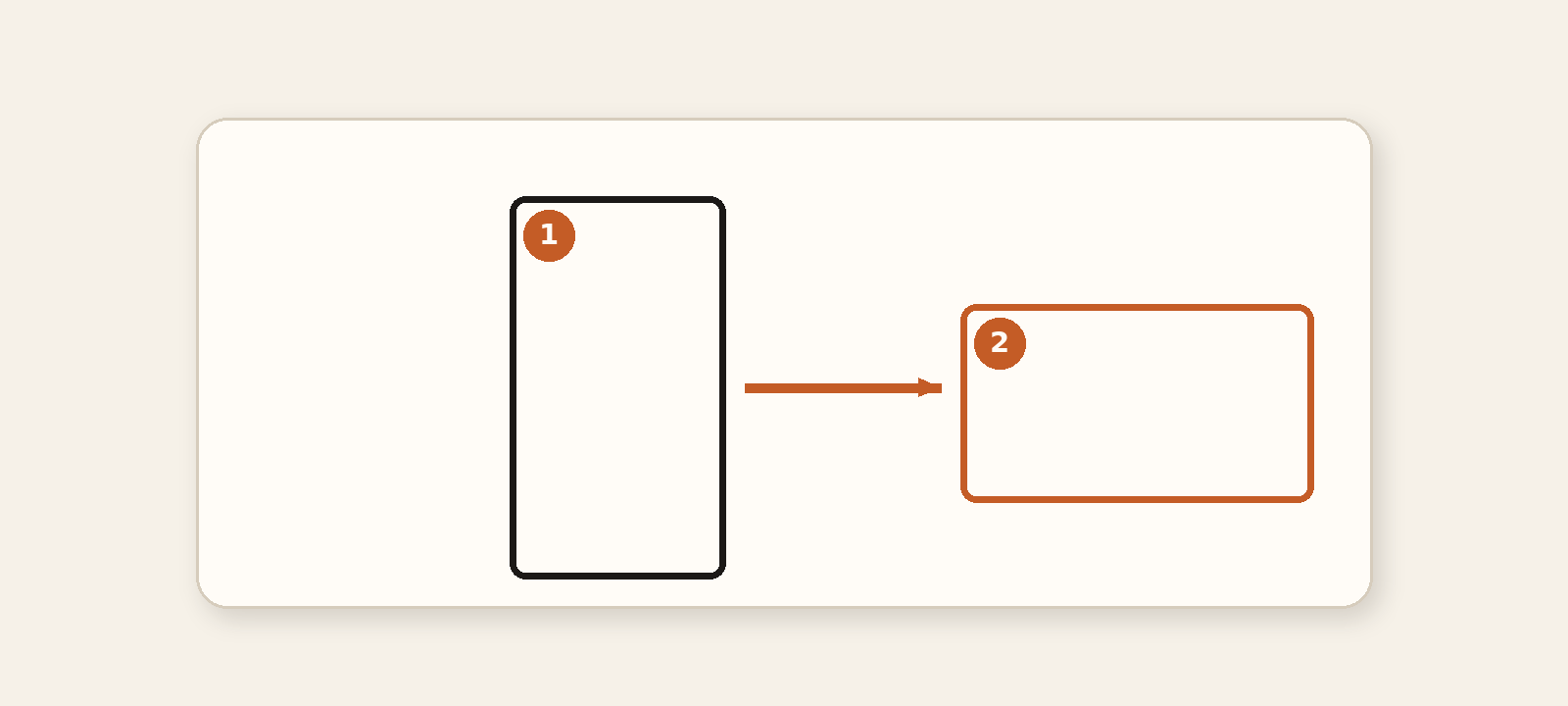
A geometric reminder to render a vertical master first and derive the horizontal from it. It is not a platform spec.
Duration. Build in beats, not seconds: an establishing beat, an action beat, a result beat. A clip with three beats can be trimmed to two without losing meaning; a single 8-second move cannot.
Aspect. Render the vertical master first and derive the horizontal from it, not the reverse. Vertical-first survives more placements.
Format. Export a clean master and encode per platform at upload time. Do not bake the export settings into the edit.
Audio. Assume muted autoplay. Put the product name and the claim in the frame, or accept that they will not be seen.
Policy. Read the disclosure and claims rules before choosing the format. If a synthetic-media label is required, the label is part of the design, not a postscript.
Where AI-generated video specifically trips
Two places, both predictable.
Technical. Generated renders are often heavier than phone footage — more detail, more bitrate — and platforms that accept consumer video may reject or re-compress them hard. Encode deliberately rather than uploading the render as-is.
Policy. Synthetic media, invented packaging and testimonial-shaped clips are exactly what disclosure rules exist for. If the platform's policy page mentions synthetic or AI-generated content, assume it applies to your clip and read it before you produce six of them.
A pre-upload checklist
- Intake form filled from the official page, today, with the date recorded.
- Master rendered in the placement's aspect, at or above its resolution floor.
- Trim tested against the duration floor as well as the ceiling.
- Export encoded to the platform's format and size cap.
- Captions or in-frame text checked with the sound off.
- Disclosure decision recorded — required, applied, or explicitly not required.
Six items, five minutes, and it catches the failures that cost a re-render.
Ready to produce the master before you encode per platform? Generate the master clip in Noiz Studio — one clean take, then derive each placement's version from it.
FAQ
Which platform has the most generous limits? That is the wrong question, and the answer changes. Ask instead which placements you actually ship to, and read those pages.
Can I upload the same file everywhere? Technical acceptance is not the same as visual fit. A file may be accepted and still be cropped badly by the player.
Do I need to re-check every quarter? Re-check when a listing is rejected, when you add a placement, or when a policy change is announced. Keeping the date on the intake form tells you what is stale.
Are AI-generated videos treated differently by platforms? Some publish synthetic-media and claims rules that apply regardless of how the video was made. Read the policy page for your category rather than assuming.
What if the help page is behind a login? Then the login is part of the workflow. A spec you cannot read from the source is a spec you are guessing at.
More production notes: the Noiz blog index.